Start shipping
Why a one-to-one Bubble data migration brings the old tech debt with it
Why Bubble data migration should redesign the product model instead of copying old data types, list fields, permissions, and workaround fields into code.
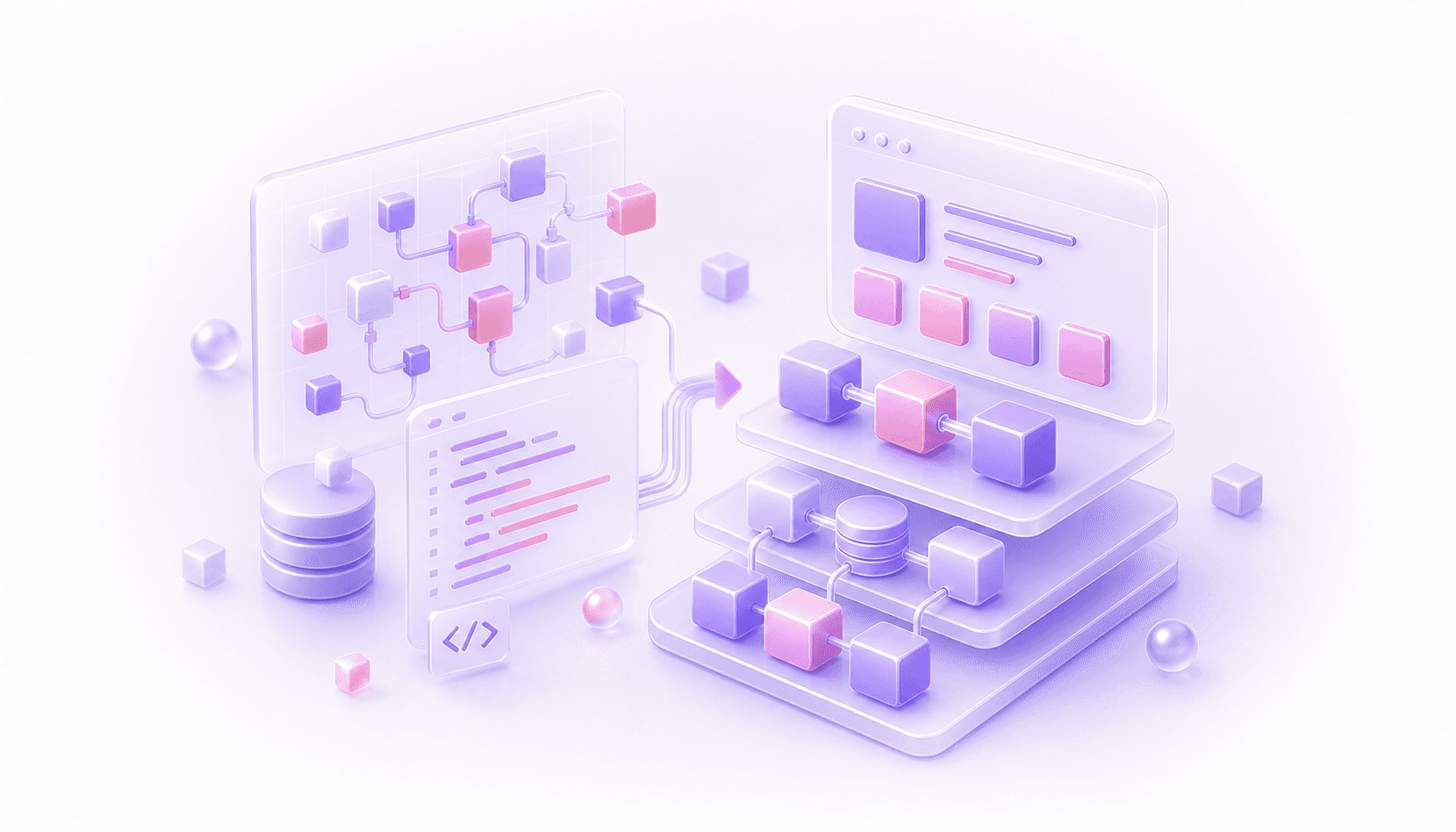
Bubble data migration is where a lot of Bubble-to-code projects quietly inherit the old app's problems.
The obvious job is to move the records. Export the data, create tables in the new database, import everything, check the counts, and move on. That sounds sensible until you remember what a mature Bubble database usually contains: product history, UI workarounds, old feature experiments, plugin state, privacy-rule patches, admin shortcuts, and fields created because they were the fastest way to ship something two years ago.
If you copy that shape directly into a new codebase, you can end up with the same awkward product model in a more expensive stack. The app may be written in Next.js, Rails, or something else, but the data model still thinks like the old Bubble app.
That is the mistake this guide is about.
Bubble's Database Is Source Evidence
The Bubble database matters. It tells you what the app has actually been doing, which records exist, how users relate to each other, which workflows changed important fields, and what the business has come to rely on. Use it to understand the current system, then design the new model around the product you actually want to maintain.
This distinction matters because Bubble apps often grow around speed of delivery. A field gets added because a page needs a condition. A list field gets used because it is convenient. A yes/no flag becomes part of a permission system. An option set starts as a display label, then quietly becomes workflow logic. A plugin stores something externally, while Bubble stores a cached version for the admin team.
None of that is automatically wrong. It may have been exactly what the product needed at the time. The problem starts when the migration treats every Bubble data type and field as if it deserves a permanent home in the new architecture.
A 1:1 Data Migration Carries The Old Assumptions Forward
There are cases where a direct copy is fine. Small internal tools, simple apps, temporary admin systems, and low-risk prototypes may not need much redesign.
Serious SaaS apps are different. By the time a Bubble app has real users, billing, support workflows, reporting, permissions, and operational edge cases, the database is usually carrying decisions from several phases of the product. Some are still correct. Some are old shortcuts. Some only exist because Bubble made one pattern easier than another.
A 1:1 migration preserves all of that.
The new codebase may get tables named after Bubble data types, fields copied from old page conditions, list relationships that should have become join tables, text statuses that should have become explicit state, and duplicated fields that only existed to make a repeating group easier to filter.
That kind of migration can pass a superficial QA check. Users can log in. Records exist. Dashboards load. Then the engineering team starts building new features and discovers the same problems the Bubble team already had: unclear ownership, awkward permissions, weird edge cases, slow queries, duplicated meaning, and a data model nobody fully trusts.
The Data Model Should Be Redesigned Around The Product
The better approach is to start from the product model.
What are the real entities in the business? Users, organisations, memberships, subscriptions, projects, invoices, applications, messages, files, bookings, cases, or whatever the app actually manages.
How do those entities relate to each other? Which relationships are one-to-one, one-to-many, many-to-many, historical, temporary, or derived? Which records need audit history? Which fields are facts, and which are cached values that can be recalculated?
Bubble's current database helps answer those questions. The final model also needs evidence from workflows, privacy rules, page logic, admin behaviour, reporting, support processes, and the awkward records that do not fit the neat model.
This is where a migration becomes architecture work. You are deciding what the new system should believe about the business.
Common Bubble Data Shapes That Need Re-Thinking
List fields are the obvious one. Bubble makes it easy to store a list of things on a thing. In code, that relationship may need a join table, a membership model, an ordered relation, or a separate event history. Copying the list field directly can make permissions, querying, reporting, and future changes harder than they need to be.
Catch-all data types are another common pattern. A type that started as Request or Item may now represent several different concepts with dozens of optional fields. In a codebase, that might need separate models, clearer state, or a better domain boundary.
Status fields need attention too. Bubble apps often use text fields, option sets, yes/no fields, and date fields together to represent state. The new system should decide what the actual lifecycle is. Draft, invited, active, suspended, cancelled, archived, expired, approved, rejected, paid, overdue, fulfilled. Those states should be explicit enough that developers can reason about them.
Permission fields are especially important. A Bubble app might rely on privacy rules, role fields, organisation fields, owner fields, admin flags, plan fields, and page-level conditions. A new codebase needs a deliberate access model. Copied fields with permission logic scattered around the app will make the same security questions harder to reason about later.
Plugin and integration state can also mislead you. Stripe, Chargebee, Xero, HubSpot, Airtable, Make, Zapier, Twilio, and other systems may own part of the truth. Bubble may only store the bit it needed for display or workflow conditions. Before migrating those fields, decide which system is authoritative.
Migration References Are Useful. Domain Models Are Different.
You should usually keep Bubble unique IDs during migration. They are useful for traceability, relationship rebuilding, debugging, rollback thinking, and comparing old records to new records.
Keep that separate from the core domain model.
In most serious migrations, the new database should have its own IDs and its own structure. Keep the old Bubble IDs as migration references where useful. Use them to join old records to new records, reconcile reports, investigate support issues, and prove that the migration did what it was meant to do.
The important bit is separation. Bubble IDs help you move from the old world to the new one. Keep them from forcing the new system to think in the old shape forever.
Data Redesign Checklist
Before importing records into the new app, answer these:
- which Bubble data types map cleanly to real product entities?
- which data types are catch-all structures that should be split?
- which list fields should become proper relationship tables?
- which status fields should become explicit lifecycle states?
- which fields are facts, and which are cached or derived values?
- which permissions come from privacy rules, page conditions, workflow checks, or admin overrides?
- which external system owns billing, emails, CRM state, files, analytics, or operational records?
- which old fields only exist because of a Bubble workaround?
- which records need to be migrated, archived, ignored, merged, or reviewed manually?
If the team cannot answer these, the migration is still in discovery. Import scripts written too early will only make the wrong model feel more official.
Validation Still Matters
Redesigning the model makes careful validation more important.
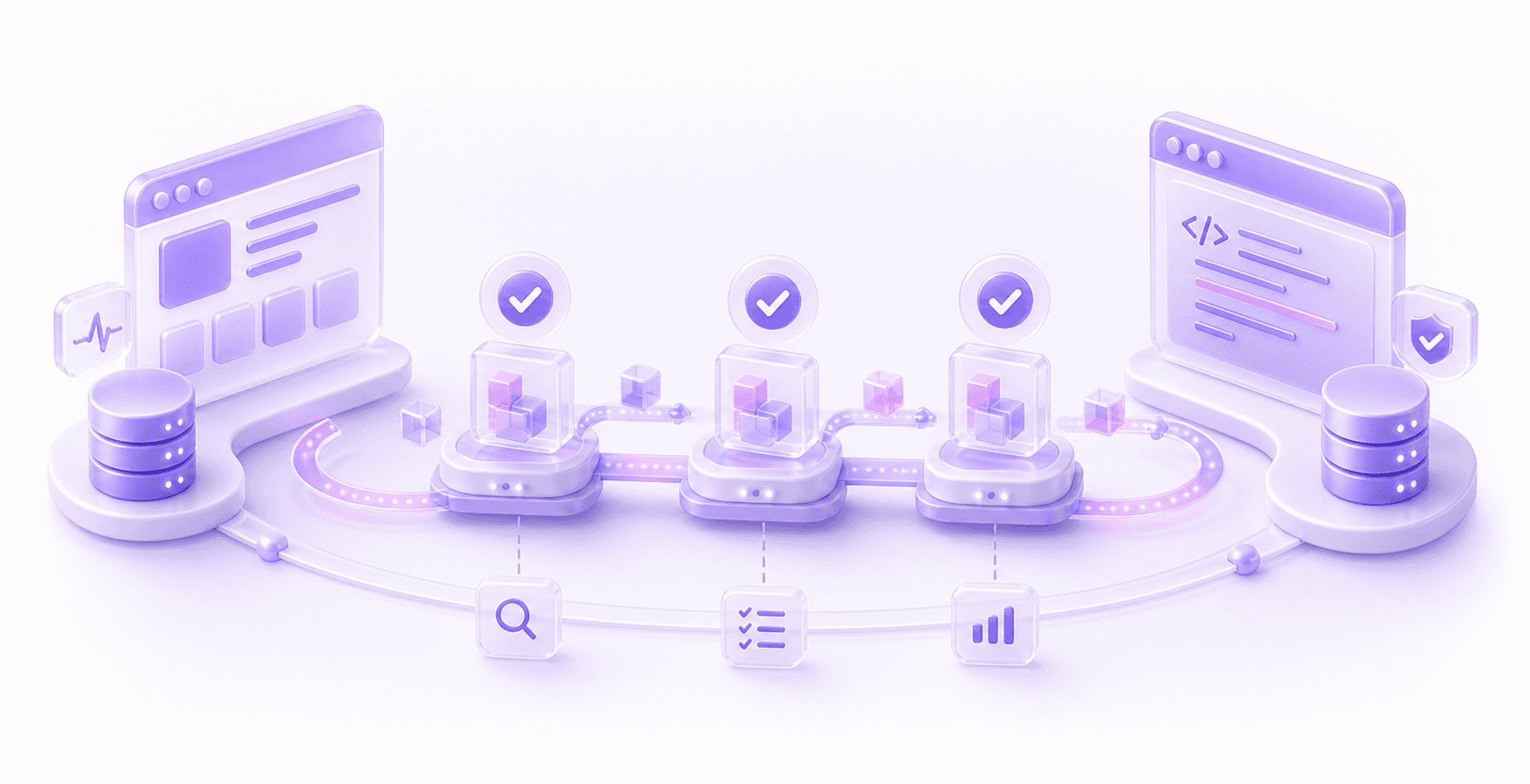
If the new system stores data differently, you need proof that the business still works. Record counts are useful, but they are only the start. You also need relationship checks, permission checks, report reconciliation, file checks, billing checks, and tests around the workflows that create or change important data.
For example, Bubble might have one User type that mixes account data, profile data, team membership, subscription flags, onboarding state, and admin permissions. The new app may split that into users, profiles, organisations, memberships, subscriptions, and roles. That can be a much better model, but the migration still has to prove that each user ends up with the right access and history.
The same applies to files. A Bubble file field may look simple, but the new app needs to know who owns the file, who can access it, which record it belongs to, whether it is private, and whether it has legal or operational meaning.
The import passing is a low bar. The useful test is whether the new system is commercially correct.
Staged Migration Helps Expose Bad Assumptions
For live apps, moving all data in one big event can hide modelling mistakes until they are expensive to fix.
A staged migration gives you feedback earlier. You might start with reporting, admin tools, onboarding, a specific customer cohort, or one module with clear boundaries. Move the data for that slice, rebuild the relevant behaviour, validate it with real records, then use what you learn before moving the next slice.
This is useful because the first version of the new data model will probably be wrong in small ways. That is normal. The point is to discover those issues while the blast radius is small.
The order should follow business risk and data dependencies. Page order is rarely the right migration order. The safer question is which data and workflows need to move together for one part of the product to behave correctly.
The Practical Test
A good Bubble data migration plan should explain more than where each old table goes.
It should explain what the new product model is, why it differs from the Bubble database, which old fields are being dropped or transformed, how relationships are rebuilt, how permissions are enforced, which external systems own which data, and how the team will prove the new system matches the business.
If you are still working out whether to migrate the whole app, start with a wider Bubble to code migration assessment. If the decision is already made, put data modelling near the front of the plan. It is much cheaper to challenge the old structure before the new codebase depends on it.
The old Bubble database is the starting point. The new codebase needs a data model the team can trust, change, and build on.
Questions This Guide Answers
Should a Bubble database be copied 1:1 into code?
Usually no. A Bubble database is source evidence for how the app works today. The new codebase should be modelled around the product, with old data types, fields, lists, and workarounds reviewed before they become permanent.
Why is a 1:1 Bubble data migration risky?
It can carry Bubble tech debt into the new stack: catch-all data types, awkward list fields, duplicated status fields, stale plugin data, and permission logic that was spread across privacy rules, workflows, and pages.
What should happen before importing Bubble data?
The team should decide the new product model, map old Bubble records into it, define which fields are transformed or dropped, and then validate relationships, permissions, reports, files, billing state, and important workflows.