Start shipping
How much does it cost to migrate a Bubble app to code?
What drives Bubble migration cost, why cheap rewrites miss the hard parts, and what a serious estimate should include before you commit.
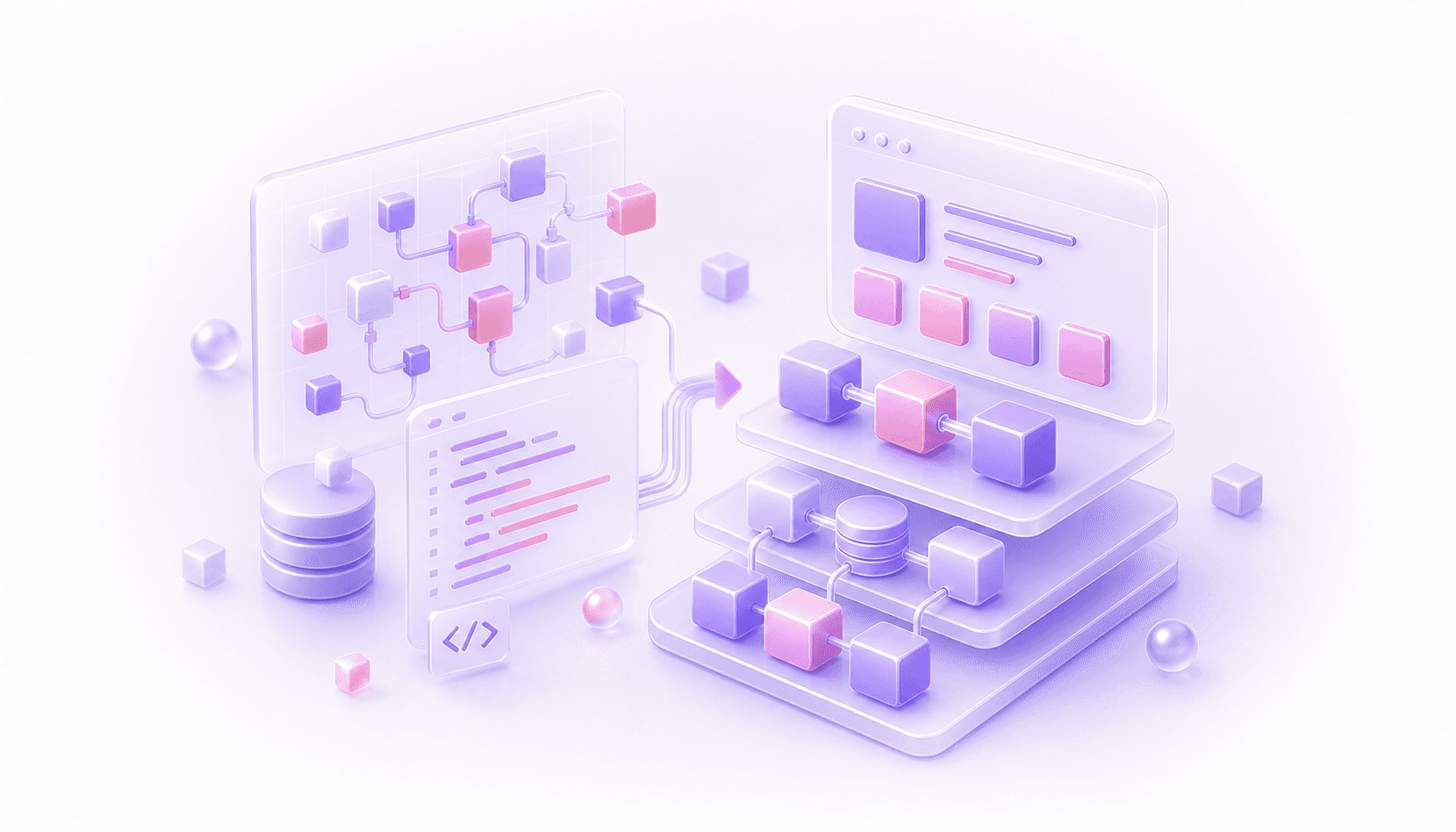
Bubble migration cost depends less on the number of pages in the app and more on how much business logic is hiding inside it.
A small Bubble app with clear workflows, simple data, and a few integrations may be relatively straightforward to rebuild in code. A mature SaaS product with years of plugin workarounds, backend workflows, privacy rules, billing logic, admin tools, and customer-specific edge cases is a very different job.
That is why a serious quote for migrating a Bubble app to code should usually start with a technical review. If someone gives you a confident price for a production app without understanding the workflows, data model, permissions, and rollout risk, they are guessing. The dangerous guess is usually the low one.
This article covers what drives the cost, what cheap migrations miss, and what you should expect before committing to a rebuild.
There Is No Honest One-Size Price
There are broad categories. A simple internal tool or early product rewrite might sit in the same cost world as a normal custom software build. A serious revenue-critical Bubble app migration can become a larger programme of work, especially with complex data, paying users, integrations, and no room for a messy switchover.
The reason is simple: migration involves more than building screens in a different stack.
You are trying to preserve the parts of the old system that matter, improve the parts holding the business back, move data safely, avoid breaking customer workflows, and leave the team with a maintainable codebase.
Bubble hides complexity in places that do not show up in a surface-level demo: conditional groups, custom states, reusable elements, option sets, privacy rules, scheduled workflows, API Connector calls, and plugin actions. If those details affect billing, onboarding, reporting, fulfilment, or permissions, they affect cost.
The useful question is: what has to be understood, rebuilt, validated, and rolled out for this app to move safely?
What Makes A Migration Straightforward
Some Bubble migrations are comparatively clean. The app has a small number of user roles. The data model is understandable. Important workflows are easy to trace. Integrations are limited and documented. The team knows which features are still used and which old experiments can be dropped.
In that situation, the work is still real, but the risk is easier to price. The new architecture can be designed around a clear product model. Data migration can be tested against known records. QA can focus on a manageable set of flows.
The biggest cost reducer is clarity.
If your team can explain what the app does, which workflows matter, where the data lives, who can access what, and what can change during migration, the rebuild becomes easier to plan. If every answer is "we think so", the estimate needs more discovery time.
What Makes A Migration Expensive
Complexity often lives in the operational parts of the app.
Workflows are usually the first driver. Bubble apps often contain product logic across button workflows, custom events, backend workflows, scheduled workflows, plugins, and conditional actions. A migration has to capture what happens, when it happens, and which side effects matter.
Data is the second driver. Moving records is easy compared with preserving meaning. You need to keep relationships intact, reconcile counts, handle deleted or archived records, and deal with legacy data created by old workflows.
Files add work when they have access rules or business meaning. User uploads, generated PDFs, contracts, CSV imports, and private files all need storage decisions.
Permissions are another big one. Bubble privacy rules can be powerful, but they are often inconsistent in older apps. A code migration is a good moment to design permissions properly, which means understanding the real access model first.
Integrations can make or break the estimate. Stripe, HubSpot, Xero, Airtable, Make, Zapier, Twilio, SendGrid, custom APIs, webhooks, and OAuth providers all have their own state and failure modes.
Parallel rollout also affects cost. A single switchover day can look cheaper on a proposal, but it concentrates risk. For many live apps, the safer approach is to keep Bubble running while the new system is built and validated in stages. That needs extra planning, migration scripts, QA, and support for the transition period.
QA and team handover are the final pieces people underestimate. The new codebase needs tests around critical flows, validation against old data, a release process the team understands, and enough handover for the team that will own it.
Cost Driver Checklist
Use this as the first pass before trusting any migration estimate:
- critical workflows: billing, onboarding, reporting, fulfilment, support, permissions
- data complexity: linked records, legacy records, files, archived data, imported data
- access model: user roles, organisation membership, admin overrides, privacy rules
- integrations: Stripe, Xero, HubSpot, Airtable, webhooks, OAuth, emails, SMS
- rollout shape: full cutover, staged release, parallel running, customer cohorts
- team handover: tests, documentation, deployment process, ownership after launch
Cheap Migration Quotes Usually Leave Something Out
A low quote can be fine for a low-risk app. The problem is when a cheap quote is cheap because it ignores the expensive parts of migration.
Common omissions include data validation, permission review, integration edge cases, admin workflows, historical records, file access, reporting accuracy, staged rollout, and post-launch support. Those omissions show up when a customer cannot access the right data, a report no longer matches finance, or support has to repair records by hand.
The other risk is a like-for-like rebuild that copies old product assumptions into code. If the Bubble app is painful because the data model is awkward, workflows are tangled, and permissions are inconsistent, recreating that structure gives you a more expensive version of the same problem.
The goal is to spend in the places that reduce business risk: understanding, architecture, data proof, staged rollout, and maintainability.
When Fixing Bubble First Is Cheaper
Sometimes the cheapest good answer is to stay on Bubble for longer.
If the real problem is slow pages, missing privacy rules, messy workflows, bad database structure, plugin sprawl, or developers being scared to touch the app, a focused Bubble cleanup may buy you time. That can be much cheaper than a full migration, and it can make a future migration easier.
This matters because "we need to migrate" is sometimes a proxy for "we do not trust the current app". You may be able to stabilise the Bubble app, improve performance, document critical flows, and fix obvious architecture problems before you decide whether code is worth it.
There are also cases where Bubble is still the right platform. If the app is working, growth is manageable, and the business does not need deeper infrastructure control, migrating may be an expensive distraction.
On the other hand, if platform risk, version control, release process, performance under load, mobile requirements, or code ownership are becoming strategic issues, then moving to code can be the sensible next step. The point is to make that decision from evidence. Our Bubble to code migration guide goes deeper on that decision before you get into cost.
What A Migration Assessment Should Give You
Before you trust a migration quote, you should expect a migration-focused audit or technical review that produces more than a rough feature list.
At minimum, it should identify the critical workflows, main data types, user roles, permission model, file strategy, integrations, fragile parts of the app, and rollout constraints.
A useful assessment should answer practical questions:
- Which parts of the app carry the most revenue, operational, or customer risk?
- Which workflows need exact behavioural parity?
- Which data needs migration, validation, reconciliation, or cleanup?
- Which features can be dropped, delayed, or rebuilt differently?
- Which integrations need special handling?
- Can the app move in stages, or is there a hard dependency that changes the plan?
- What does the internal team need to own the new codebase afterwards?
That output gives you a better estimate because it defines the job properly. It also protects you from paying for the wrong migration.
If Bubble is holding back a serious product, the next step is usually a structured conversation rather than a price pulled from a menu. You can read more about our approach to migrating Bubble apps to code, but the short version is this: understand the app first, design the migration around business risk, prove the data, and avoid forcing the company through a cliff-edge launch.
That is what makes the cost worth it. You are not buying a stack change. You are buying a safer path from a live Bubble system into software your team can own.
Questions This Guide Answers
How much does it cost to migrate a Bubble app to code?
The cost depends on the app's workflows, data, permissions, integrations, files, rollout risk, and how much of the current architecture should change. Page count alone is a weak way to estimate a serious Bubble migration.
Why do Bubble migration quotes vary so much?
Quotes vary because some teams price the visible rebuild while others include technical review, data validation, permission design, integration handling, QA, staged rollout, and team handover.
Can we reduce migration cost by fixing Bubble first?
Often, yes. Cleaning up data structure, workflows, privacy rules, plugins, and the worst performance issues can reduce current risk and make a later migration easier to scope.