Start shipping
Why Bubble privacy rules matter before migration
Why Bubble privacy rules need to be audited before migration, and how page conditions, workflow checks, roles, tenant boundaries, admin overrides, and files affect the new access model.
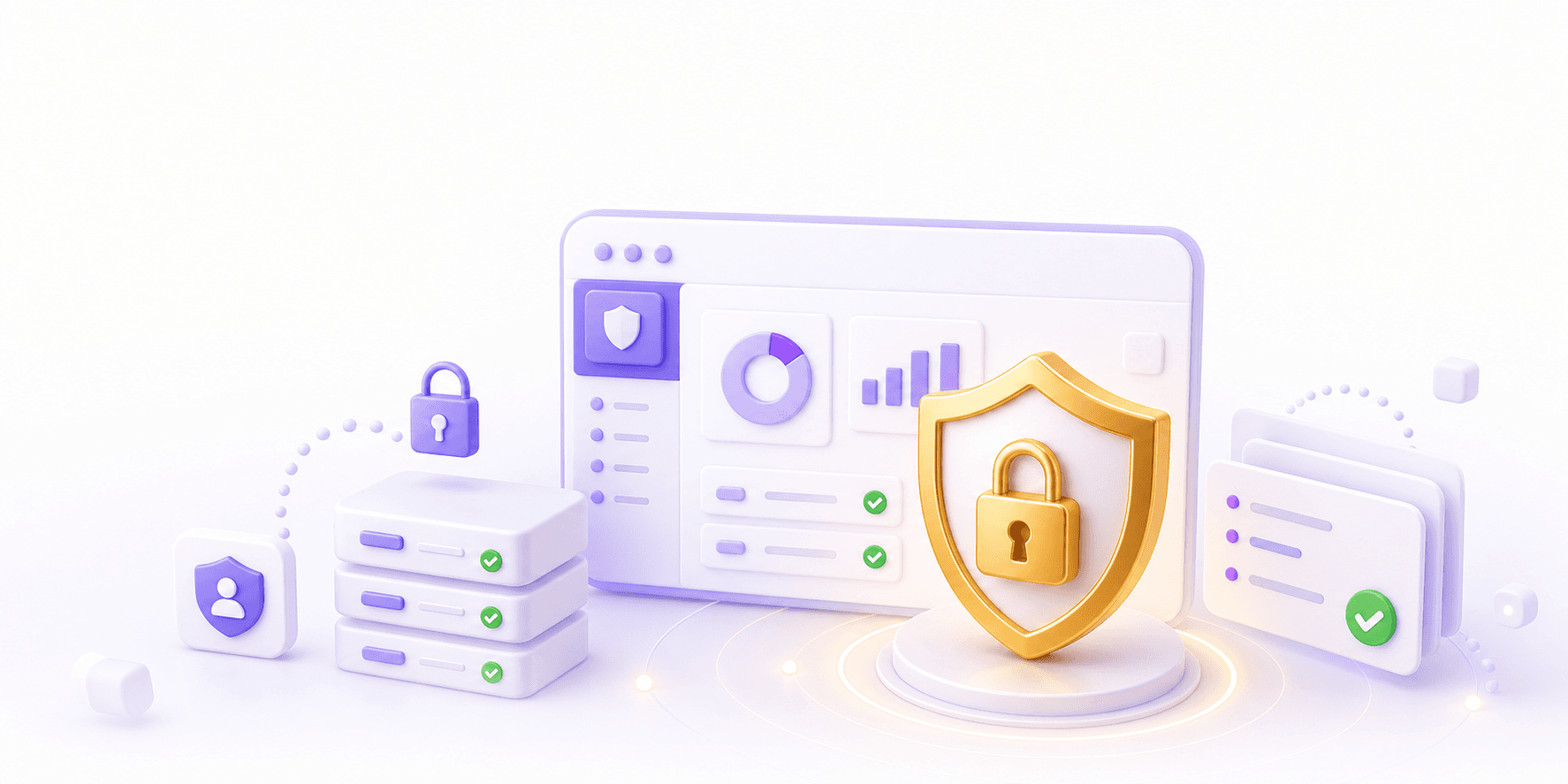
Bubble privacy rules matter before migration because they describe who the app is willing to trust with its data.
Inside a mature Bubble app, access control rarely sits in one place. It can live in privacy rules, page conditions, workflows, role fields, admin flags, tenant fields, option sets, reusable element logic, and old decisions nobody has touched for years.
Weak privacy rules are a current security risk because they can expose records or fields to the wrong users. Inconsistent privacy rules are also a migration risk. A code team can rebuild the screens, copy the database shape, and still miss the access model the business relies on.
That is why privacy rules need to be inspected before a Bubble app is moved to code. The new app needs a deliberate access model, rather than a loose copy of whatever the Bubble editor happened to allow over time.
Privacy Rules Are Source Evidence
Bubble privacy rules are more than a security setting. They show which users are allowed to find a Thing, which fields are visible, which roles matter, and which relationships the original builders thought were important.
That logic is useful during migration because it reveals the app's real permission assumptions. If the app has clients, vendors, students, coaches, doctors, patients, agents, or admins, the privacy rules often show how those groups were meant to relate to the data.
They also show where the model is shaky. You might find rules that expose every field because a dashboard was hard to debug, or broad "current user is logged in" access because the page was filtered visually. Bubble apps often grow under pressure. A migration can make those old assumptions feel more official if nobody challenges them.
Page Conditions Are Not The Access Model
A common Bubble pattern is to hide buttons, groups, inputs, or repeating group rows with page conditions. That can be useful UI logic. It is a poor place to rely on for security.
Privacy rules decide what data Bubble will return to the current user. Page conditions decide what the page shows. Workflow conditions decide whether a specific action runs. Those are related, but they have different jobs.
For example, a client dashboard might show invoices where Invoice's Company is Current User's Company. The page may look correct. The repeating group may only display the right invoices. Yet if the privacy rules allow logged-in users to find all invoices, the app may still be exposing more data than intended.
The same applies to admin-only pages. A page condition that hides an edit button from normal users is useful for the interface. The workflow still needs a permission check. The underlying data still needs rules that stop the wrong user from retrieving sensitive fields.
In code, this usually becomes a clearer split: UI permissions, API authorization, database query scoping, file access, and audit behaviour. A migration should decide those layers intentionally.
The Places Permission Logic Hides
Before rebuilding a Bubble app, inspect every place that can affect access:
- privacy rules on each important data type
- field-level privacy for financial, personal, health, or internal fields
- page conditions that hide or show groups, buttons, inputs, and admin panels
- workflow conditions on create, edit, delete, invite, approve, export, refund, and impersonation actions
- role fields on the User type, membership types, organisation records, or option sets
- tenant boundaries such as company, workspace, account, school, clinic, marketplace, or client relationships
- backend workflows that run as the app owner or change records without the normal page context
- API workflows, webhooks, and plugin actions that create or expose data
- admin overrides, support tools, and internal dashboards
- private files, uploaded documents, images, generated PDFs, and legacy file fields
This is the part that gets missed when migration planning starts from screenshots. The visible page shows the user experience. Permission logic tells you what the system believes a user is allowed to know or change.
Tenant Boundaries Need Their Own Review
Multi-tenant Bubble apps need extra care. A tenant boundary is the line between one customer's data and another customer's data. In Bubble, that line might be a Company field, Workspace field, list of Users, Membership type, Client field, or a mix of all of them.
The messy cases matter. Can a user belong to two companies? Can a consultant access several client accounts? Can a manager see every record in a branch, or only records assigned to their team? Can an internal admin cross tenant boundaries for support?
Those questions should be answered before the new schema is designed. The team may need organisation IDs, membership tables, role tables, scoped queries, and policy functions that make the tenant boundary obvious. This connects directly to Bubble data migration: you cannot safely move records until you understand which relationships define access.
Admin Access Should Be Designed, Not Inherited
Admin logic is often where privacy rules get vague. Internal teams need ways to support users, fix records, refund payments, review documents, and deal with awkward edge cases. Bubble makes it easy to add an admin flag and give those users broad access.
As the app becomes more serious, admin access needs more shape. A super admin, support admin, finance admin, client admin, team manager, and read-only operator may need different powers. Sensitive views and changes may need audit logs. Support may need to help a user without seeing private documents.
During migration, admin behaviour should be treated as product logic. Decide which actions are genuinely needed, which are legacy shortcuts, which should require a second check, and which should be logged. If the rebuild copies a broad admin flag into code, the app keeps the old risk with fewer Bubble guardrails around it.
Private Files Are Part Of The Permission Model
Files deserve their own review because they are easy to treat as a storage problem.
Bubble apps often contain profile images, contracts, invoices, CSV exports, PDFs, message attachments, onboarding documents, and internal review files. Some are public. Some are private. Some were uploaded before the team thought carefully about file access.
A migration has to identify where each file lives, which record owns it, who can view it, who can replace it, and whether old links should keep working. The new app may need signed URLs, storage buckets, file metadata, retention rules, or a different way to generate documents.
The key question is simple: if a user guesses, copies, or reuses a file URL, what should happen? That answer belongs in the migration plan, especially for apps with legal, medical, financial, education, HR, or client-confidential documents.
Privacy migration checklist
Before rebuilding the access model, answer these:
- which Bubble data types contain sensitive, private, commercial, or tenant-specific data?
- which privacy rules control record visibility, and which control field visibility?
- which data types have broad rules that were added for convenience or debugging?
- which pages rely on conditions to hide data that privacy rules should protect?
- which workflows create, edit, delete, approve, export, email, refund, invite users, or check roles?
- which role fields are still used, and which are old product leftovers?
- which tenant fields define the real customer boundary?
- which users can cross tenant boundaries, and why?
- which admin overrides are necessary for support, finance, compliance, or operations?
- which private files need access rules, migration references, or new storage behaviour?
- which API workflows, plugins, or webhooks can expose or change sensitive data?
- which behaviours must be preserved, and which should be tightened?
- how will the new codebase test these rules before real users move over?
If the team cannot answer these questions, the migration is still in discovery. Starting the rebuild too early increases the chance of copying visible behaviour while missing the security model underneath it.
Build The New Access Model Before The Screens
A Bubble-to-code migration should define the access model before the new screens are treated as done.
That means deciding the core roles, the tenant model, the ownership rules, the admin rules, and the file rules. It also means deciding where authorization lives in the new architecture. In a Next.js app, for example, some checks may live in server actions, API routes, middleware, database query helpers, policy functions, or service-layer code. The exact pattern depends on the stack, but the rule should be clear: every sensitive read or write has an intentional permission check.
If you are planning a Next.js rebuild, our Bubble to Next.js migration guide goes deeper on the wider architecture questions. Privacy rules sit alongside data modelling, workflow migration, integration design, and deployment process. They should be part of the technical plan from the start.
This is also where the broader Bubble to code migration decision matters. If the app is still easy to secure and maintain in Bubble, fixing the privacy model there may be the better first move. If the business needs code ownership, stronger testing, clearer releases, and deeper control, the access model becomes one of the first pieces of architecture to design.
Test Permissions With Real Scenarios
Permission testing should use real roles and awkward records.
Create test users for each role. Put them in different companies, workspaces, teams, plans, and edge-case states. Test what each user can list, open, edit, delete, export, upload, download, approve, and invite.
Then test the negative cases. A user from Company A should fail to load Company B's records. A read-only admin should fail to edit billing data. A user with an old file link should only see the file if the new model still allows it.
These tests are much easier to write when the access model is explicit. They are painful when permissions are inferred from old page conditions and scattered role fields.
The Practical Way To Handle Privacy Rules
Treat Bubble privacy rules as part of migration discovery, not as a box to tick near launch.
Review the rules, compare them with page conditions and workflow checks, identify the real tenant boundaries, decide what admin access should look like, and inspect private files before designing the replacement system. Some old behaviour should be preserved because users rely on it. Some should be tightened because the old app allowed too much.
For a live product, this work should sit inside a staged migration plan. Fix the riskiest access problems early, design the new model with real records in mind, and validate permissions before moving customers. That is the kind of work we handle in our migrate to code process.
The useful outcome is simple: the new codebase should make it obvious who can see what, who can change what, and why. If a developer cannot answer that quickly, the migration has carried too much uncertainty forward.
Questions This Guide Answers
Why do Bubble privacy rules matter before migration?
They are one of the main sources of the app's access model. If they are ignored, the new app can expose data or block legitimate users in ways Bubble used to handle.
Are page conditions enough for app security?
No. Page conditions can change what the user sees, but sensitive data needs server-side access rules, tested permissions, and clear ownership in the new backend.
How do Bubble privacy rules map to code?
They should become explicit backend authorization rules, role checks, tenant boundaries, query filters, file access rules, and tests around sensitive user journeys.