Start shipping
Where Claude Code rebuilds of Bubble apps tend to go wrong
Why Claude Code can speed up a Bubble migration, but cannot replace Bubble-source inspection, backend architecture, data modelling, permissions, and QA.
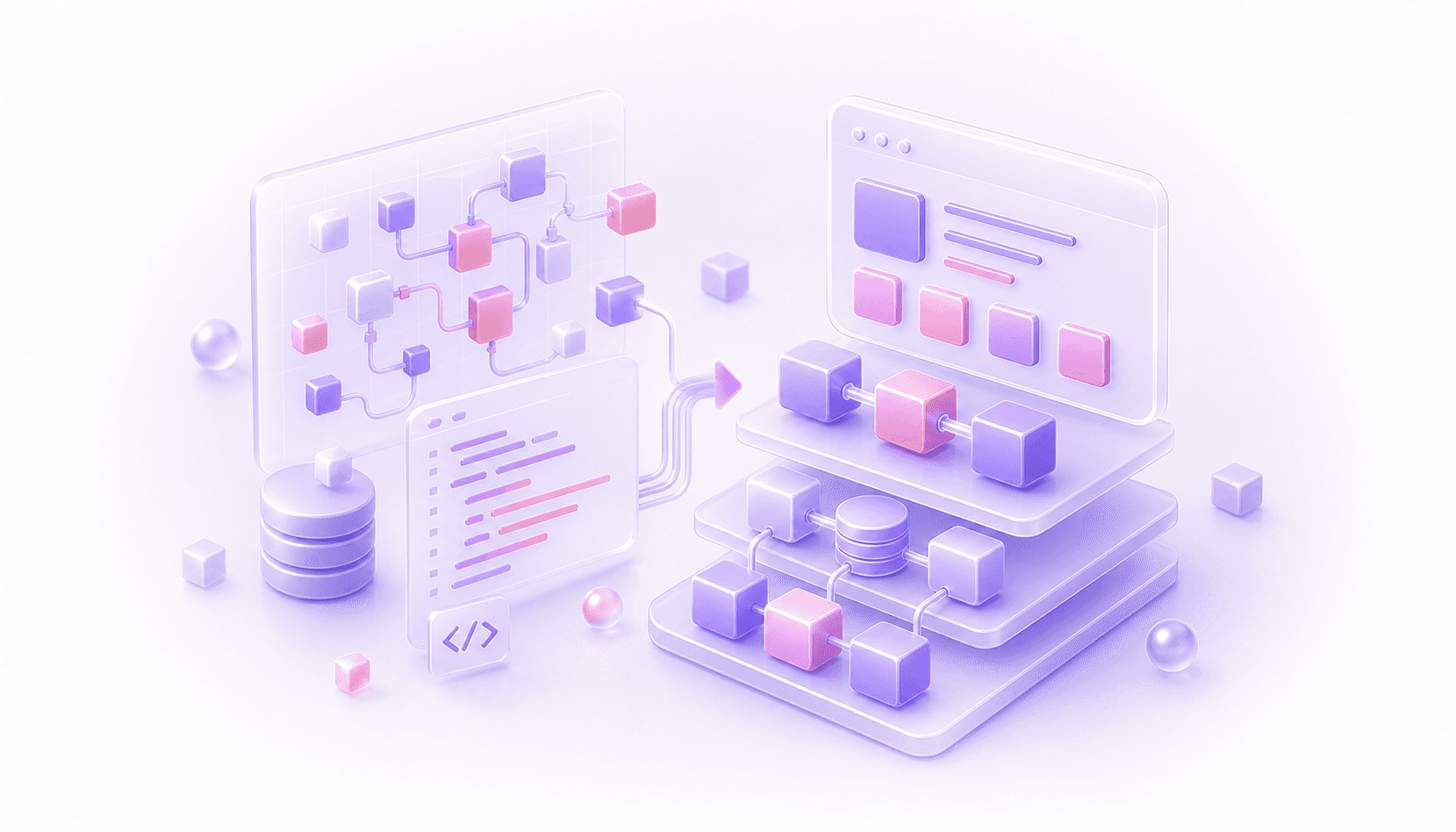
Claude Code can make a Bubble migration faster. It can also help you make a mess much faster.
That is the awkward bit. If you point an LLM at a Bubble app and ask it to recreate the product in code, you may get something that looks convincing in a demo. React components appear. A database schema appears. Routes appear. A few forms work. Everyone gets a small dopamine hit because the new app finally exists outside Bubble.
Then the real product starts showing up.
The permissions are not quite right. The reporting numbers do not match. An admin workflow nobody mentioned is missing. A plugin side effect was important. A privacy rule was doing more than expected. A list field became a weird database shape. A workflow that looked like button logic was actually part of billing, fulfilment, support, or compliance.
This is how a team can leave Bubble and keep the same problems. They have changed the tool, but they have not understood the system.
Claude Code Is Good At The Wrong Layer First
Claude Code is useful once the target is clear. It can draft components, write tests, move code around, generate scripts, help with schemas, and speed up implementation.
The risk is using it before the migration has been properly understood.
Bubble apps are not represented like codebases. Important behaviour is spread through page workflows, backend workflows, conditions, custom states, reusable elements, privacy rules, option sets, plugin settings, API Connector calls, scheduled workflows, and admin habits that may never have been documented.
Screenshots and feature lists miss a lot of that. Even a database export only tells you part of the story. It shows records and fields. It does not explain which workflows create those records, which privacy rules hide them, which admin buttons repair them, or which old edge cases the business quietly depends on.
An LLM can generate code for a well-specified target. A Bubble migration usually starts before the target is well specified.
The Demo Can Look Better Than The Migration Is
AI-assisted rebuilds can feel impressive early because visible progress is easy to create.
The old Bubble dashboard becomes a React page. A repeating group becomes a table. A popup becomes a modal. A data type becomes a database table. A button workflow becomes a server action. The app starts to look like a proper codebase.
That early progress is useful, but it can hide missing understanding.
A serious Bubble app is usually full of behaviour that does not announce itself on the screen. A customer can see one button because three conditions passed. A backend workflow updates a related record after a delay. A privacy rule filters data differently for admins, managers, invited users, blocked users, and test accounts. A plugin action calls an external service and writes state back into Bubble. An admin page has a manual override that support uses twice a month, and everyone forgets about it until it is gone.
If those behaviours are skipped, the migration is not finished. It is only visually ahead of the old app.
Bubble Practices Do Not Translate Cleanly
Bubble encourages certain patterns because they are fast inside Bubble.
Custom states are convenient for page behaviour. List fields are convenient for relationships. Option sets are convenient for labels and logic. Privacy rules live close to the data. Workflows can be chained quickly. Backend workflows can be scheduled from lots of places. Plugins can hide complicated behaviour behind one action.
Those patterns are not automatically bad. In Bubble, they may be the right tradeoff.
In a codebase, the same patterns often need a different shape. A list field might become a relationship table. A yes/no flag might become a proper lifecycle state. A custom state might become URL state, component state, server state, or a database record. A backend workflow might become a queue job, transaction, webhook handler, scheduled function, or domain service.
If Claude Code copies the surface pattern without understanding why it existed, the new app inherits Bubble's old architecture. The code may look modern while the product model stays awkward.
Next.js Still Needs A Backend
This is especially important for teams trying to migrate Bubble to Next.js with AI.
Next.js is a good web app framework. It gives you React, routing, layouts, server rendering, server actions, API routes, and a strong deployment ecosystem. For many Bubble migrations, it is a sensible frontend and app layer.
It is not the whole replacement for Bubble.
Bubble gave you a database, auth, privacy rules, workflows, files, scheduled workflows, plugins, API connections, and hosting in one platform. A Next.js migration still needs a backend decision. For serious apps, that is commonly Supabase or Convex, though it could also be a custom API, Rails, Django, Laravel, or another backend stack.
The backend choice affects the whole migration: data model, permissions, realtime behaviour, background jobs, file storage, API boundaries, testing, observability, and how future developers work on the product.
Claude Code can help build against a chosen architecture. It should not be the thing deciding the architecture from a vague prompt.
The Real Work Is Translation
A good Bubble migration is translation between two development models.
On the Bubble side, someone needs to understand how the app actually works: data types, workflows, privacy rules, custom events, reusable elements, page state, plugin behaviour, backend workflows, API Connector calls, and the admin processes the business relies on.
On the code side, someone needs to design the target system: components, routes, backend functions, database schema, auth, permissions, jobs, tests, deployment, logging, support tooling, and handover.
The valuable work is in the middle. Which Bubble behaviours need exact parity? Which fields are old workarounds? Which workflows should become proper backend services? Which admin tools should be rebuilt, redesigned, or left behind? Which data can be archived? Which permissions need stronger modelling? Which edge cases can break revenue, support, trust, or compliance?
That is not busywork. That is the migration.
AI-Assisted Migration Checklist
Before using Claude Code heavily, get clear answers to these:
- what problem is the migration meant to solve?
- which Bubble workflows affect revenue, permissions, reporting, onboarding, support, or compliance?
- which data types represent real product entities, and which are Bubble-era workarounds?
- which backend will own data, auth, permissions, files, jobs, and webhooks?
- which Bubble behaviours need exact parity, and which should be redesigned?
- how will migrated data be validated against the old app?
- how will the team test permissions, billing, reporting, and admin workflows?
- who will own the new codebase after the first version works?
If those answers are fuzzy, the team is not ready to automate the migration. They are ready to inspect the app.
Where Claude Code Helps
Once the migration plan is clear, Claude Code can be a very good tool.
It can turn a well-defined UI into React components. It can help write import scripts. It can generate tests for known behaviours. It can refactor repeated logic. It can draft backend functions against a schema the team has already chosen. It can help developers move faster through implementation details that would otherwise be slow and repetitive.
That is useful leverage.
The key is that the tool needs constraints. It needs source evidence, target architecture, examples of expected behaviour, test cases, data mapping rules, permission rules, and a developer reviewing the output with enough Bubble context to spot missing assumptions.
Without that, the team is asking a code generator to make product decisions from incomplete evidence.
Where Claude Code Hurts
Claude Code hurts when it makes uncertainty look like progress.
If nobody has inspected the Bubble app properly, generated code can make the team feel like the migration is moving while the hardest questions remain unanswered. The old app still has hidden workflows. The data model still needs redesign. Permissions still need modelling. The backend still needs a shape. The support team still needs its admin flows. The business still needs reports to match.
The damage often appears later. A developer adds a feature and discovers the schema is wrong. A customer sees data they should not see. Finance stops trusting a report. Support cannot fix a record. A workflow fails because the original Bubble version had a condition nobody copied.
At that point, the team has two problems: the old Bubble app and a new codebase built on guesses.
The Right Team Matters
The safest Bubble migrations usually need both kinds of experience.
You need people who understand Bubble well enough to know where important behaviour hides. They need to read workflows, privacy rules, page state, reusable elements, plugin actions, backend workflows, API Connector calls, and the weird admin pages that keep the business running.
You also need people who can design and build the codebase properly. They need to choose the backend shape, model data cleanly, enforce permissions, write tests, set up deployment, and leave the team with software that can be maintained.
One without the other is risky. A code-only team can miss important Bubble behaviour. A Bubble-only team can carry Bubble patterns into code when a cleaner model is needed. A pure AI approach can do both at once if nobody is steering it carefully.
The Practical Answer
If you are trying to migrate a Bubble app with Claude Code, use it as an implementation accelerator after the migration has been understood.
Start with the app as it exists today. Inspect the workflows, data, permissions, integrations, files, admin tools, scheduled jobs, and awkward records. Decide what the new architecture should be. Choose the backend. Map the data. Define what should be preserved and what should be redesigned. Add tests around the flows that would hurt the business if they broke.
Then use Claude Code where it is strong.
That is how AI can help a Bubble migration move faster without turning the new codebase into a faster-written version of the same old problems.
Questions This Guide Answers
Can Claude Code migrate a Bubble app to code?
Claude Code can help implement a well-understood migration, but it cannot safely infer every Bubble workflow, privacy rule, plugin behaviour, data assumption, and admin edge case from screenshots or a vague feature list.
Why do AI-assisted Bubble migrations go wrong?
They usually go wrong when the team automates before understanding the Bubble app. The generated code can recreate old data debt, miss hidden workflows, weaken permissions, or skip admin behaviour the business depends on.
How should Claude Code be used in a Bubble migration?
Use it after the app has been inspected, the backend architecture is chosen, data mapping is clear, and important behaviours have tests. At that point it can speed up implementation without making the key product decisions.