Start shipping
How to move a Bubble app in stages without freezing the business
How staged Bubble migrations can move modules, customer cohorts, admin workflows, reporting, or backend boundaries while the live app keeps running.
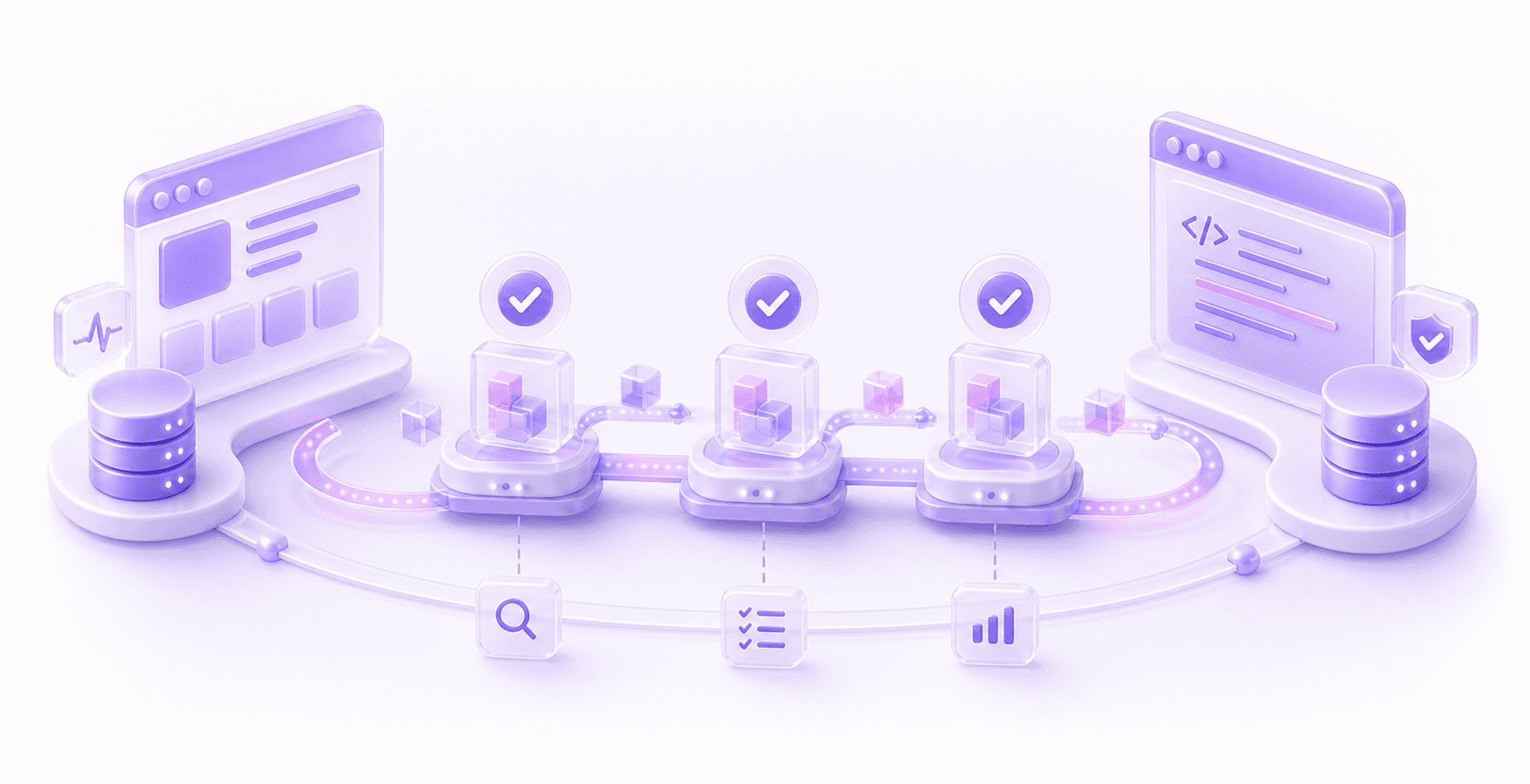
A staged Bubble migration is usually the sensible way to move a live app to code without freezing the business.
The tempting version of a migration is the clean one on a slide: rebuild the whole product somewhere else, test it near the end, switch everyone over, and retire Bubble. It sounds tidy because it avoids the messy middle bits. The problem is that live SaaS products do not pause politely while a rebuild happens in the background.
Customers still need support. Bugs still appear. Reporting still has to work. Someone will still find an old admin workaround that is apparently now part of the business process. By the time the new system is ready, the old system may have changed enough that the rebuild is already behind.
A staged migration accepts that reality. Keep Bubble live where it is still doing useful work. Move one bounded part of the system at a time. Validate the new code against real workflows and real data. Then expand the boundary when the previous stage has proved itself.
Why Big-Bang Migrations Get Risky
The risk with a big-bang Bubble migration is that the uncertainty stacks up until the end.
Bubble apps often hide important behaviour across workflows, backend workflows, reusable elements, privacy rules, plugin actions, page conditions, custom states, API Connector calls, and admin pages. Some of that behaviour is obvious from the UI. A lot of it is not.
If the team disappears for six months to rebuild the app in code, they are making hundreds of small assumptions before those assumptions get tested by the business. Did the old onboarding flow really require that admin flag? Does a cancelled user still need access to historical invoices? Which system owns subscription status?
Those questions affect permissions, billing, support, reporting, and whether customers trust the product after the move.
A staged plan forces those questions into the open earlier, while the affected slice is still small enough to reason about.
Start With A Migration Boundary
The useful question is not "which pages should we rebuild first?" Page order is rarely the right migration order.
Start by looking for a boundary: a part of the product where the users, data, workflows, integrations, and success criteria can be understood together. The boundary does not have to be perfect. It just has to be coherent enough that you can move it without dragging the entire app with it.
Good candidates usually have one of these traits:
- they are painful enough that the business will feel the improvement
- they are isolated enough that the blast radius is controlled
- they expose an important data or permission model early
- they create a foundation later stages will need
- they let the team test the new stack with real usage
That might mean starting with admin tools, reporting, a new user path, a specific module, a customer cohort, or a backend workflow boundary. For a more general decision process, start with the wider Bubble to code migration guide. The staged plan comes after you know why you are moving and which parts of the app actually carry risk.
Staged rollout patterns
| Pattern | How it works | Best when | Watch out for |
|---|---|---|---|
| Module-by-module | Move one product area while the rest stays in Bubble. | The module has a clear data model and complete workflow. | Shared permissions, notifications, and old workflows that still touch the same records. |
| Customer cohort | Move a controlled group of customers, teams, regions, or plans first. | You can support the group closely during rollout. | Legacy plans, billing edge cases, feature flags, and historical data. |
| Admin workflow | Rebuild internal tools before the customer-facing product. | The admin area is slow, painful, or full of manual workarounds. | Admin screens often contain hidden product logic. |
| Reporting slice | Move analytics, dashboards, exports, or finance reports to a new layer. | Reporting can read from Bubble before it owns writes. | Reports can look correct while using different definitions. |
| New user path | Put new signups, onboarding, or a new plan through the coded system. | New users can follow a cleaner model than legacy users. | Old and new users may eventually need to interact. |
| Backend boundary | Move a service, API, scheduled job, file process, or integration first. | The pain is WU usage, reliability, integrations, or backend maintainability. | Source of truth, retries, idempotency, and conflict handling. |
None of these patterns is automatically the right answer. The right stage is the one that reduces the most uncertainty for the least operational risk.
Keep Bubble Live, But Decide What It Owns
Keeping Bubble live does not mean letting both systems do whatever they want.
For each stage, decide what Bubble still owns and what the new system owns. That means data ownership, workflow ownership, permission ownership, and user experience ownership. If Bubble owns customer records for now, the new app can read from them or receive a synced copy, but it should not quietly become a second source of truth.
This is where migrations get weird if nobody is being strict. A coded admin screen updates a record. A Bubble backend workflow updates the same field later. A report reads from the new database while support still edits old Bubble fields. The business now has two half-truths.
Sometimes dual-write is necessary for a period. If so, treat it as a deliberate temporary design, not a casual convenience. Log it. Reconcile it. Test failure cases. Decide which system wins when there is a conflict.
Data migration deserves its own plan because the shape of the Bubble database is rarely the shape you want forever. Old Bubble IDs are useful for tracing and reconciliation, but they should not force the new codebase to inherit every old field, list relationship, and workaround. That is covered in more depth in the Bubble data migration guide.
Route Users Deliberately
A staged migration needs routing rules.
That might be a feature flag, subdomain, reverse proxy, role check, plan check, or customer-level setting. The exact mechanism depends on the app, but the system should know which user belongs in which version for which workflow.
Do not leave this as a manual support instruction if the stage affects real users. "Tell customer A to use the new link and customer B to use the old one" is fine for a tiny internal pilot. It becomes messy once onboarding, emails, saved bookmarks, password resets, and notifications are involved.
Routing also needs a rollback story. If a cohort moves to the new system and something is wrong, can you send them back to Bubble? If you can, what happens to data created in the coded system while they were there? If you cannot, what support process covers the issue?
Rollback does not always mean a magic button. It can mean a fallback path, data repair script, support playbook, and clear decision about who can trigger it.
Validate Each Stage Against Business Reality
QA for a staged migration should prove more than "the screen loads".
For each stage, define what must be true for the business to trust it. If you are moving reporting, reconcile numbers against known invoices, subscriptions, refunds, internal users, and legacy customers. If you are moving onboarding, test signup through first meaningful action, including emails, roles, permissions, and admin visibility.
Use real migrated data wherever you can. Synthetic test data is useful, but it rarely contains the awkward cases that mature Bubble apps collect over time: deleted users, manually edited records, plugin leftovers, old option set values, missing files, duplicate emails, odd plan names, and records created by forgotten workflows.
This is where staging pays for itself. The first stage will usually reveal something you misunderstood about the app. That is far better during a reporting slice or admin workflow than during a full product launch.
If you want the fuller checklist of what can go wrong, the Bubble migration risks guide is the place to start.
Do Not Stop Shipping The Product
One benefit of staging is that the product can keep moving while the migration happens. That only works if the team controls change.
The Bubble app should not become a frozen museum piece, because the business still has to run. But changes to areas under migration need more discipline. If a workflow is being rebuilt, new Bubble changes to that workflow must be captured, tested, and either included or intentionally deferred.
Product, engineering, support, and ops need to know which parts of the app are stable, which parts are under migration, and which changes create rework. Without that, the code team rebuilds one version while Bubble quietly becomes another.
The plan should include a simple change process for migrated areas. Nothing heavy. Just enough to stop important behaviour being changed in one system and forgotten in the other.
What A Sensible Staged Plan Looks Like
A useful staged migration plan should explain:
- why the app is moving to code at all
- which stage comes first and why
- what Bubble still owns during that stage
- what the new codebase owns during that stage
- how data moves, syncs, or gets reconciled
- how users are routed to the correct version
- how permissions are tested
- what counts as a successful stage
- what happens if the stage needs to be rolled back or paused
That is the practical level of detail. Not a 90-page strategy nobody reads, but enough that the team can make decisions without guessing.
The Sensible First Move
For most live SaaS apps, I would start with a migration audit and staging plan before writing the replacement app. Map the workflows, data, privacy rules, integrations, admin workarounds, reporting needs, and product areas nobody likes touching. Then choose the first stage based on business risk.
Sometimes that first stage will be a coded backend service. Sometimes it will be admin. Sometimes it will be a new onboarding path. Sometimes the honest answer will be to fix parts of Bubble first so the later migration is less painful.
That is fine. A staged migration is not about moving slowly for the sake of it. It is about moving in a way the business can survive.
If you are already at the point where Bubble is limiting the product, the next step is to plan the move with the system in front of you. The migrate to code process should start with understanding what the app actually does, then choosing the stages that reduce risk while keeping the business running.
Questions This Guide Answers
What is a staged Bubble migration?
A staged migration moves the app in controlled slices, such as a module, workflow, customer cohort, reporting layer, or backend boundary, while the live Bubble app keeps running.
When is staged migration better than one launch day?
It is better when the app has real users, revenue, sensitive data, complex permissions, integrations, admin workflows, or a support team that cannot absorb a messy switch.
What can move first in a staged migration?
Good first candidates are bounded modules, reporting, document generation, AI processing, admin workflows, or backend services with clear inputs and outputs.