Start shipping
Why admin tools make Bubble migrations harder than expected
Why admin pages, support workflows, reports, overrides, correction flows, and operational tools need serious attention during a Bubble migration.
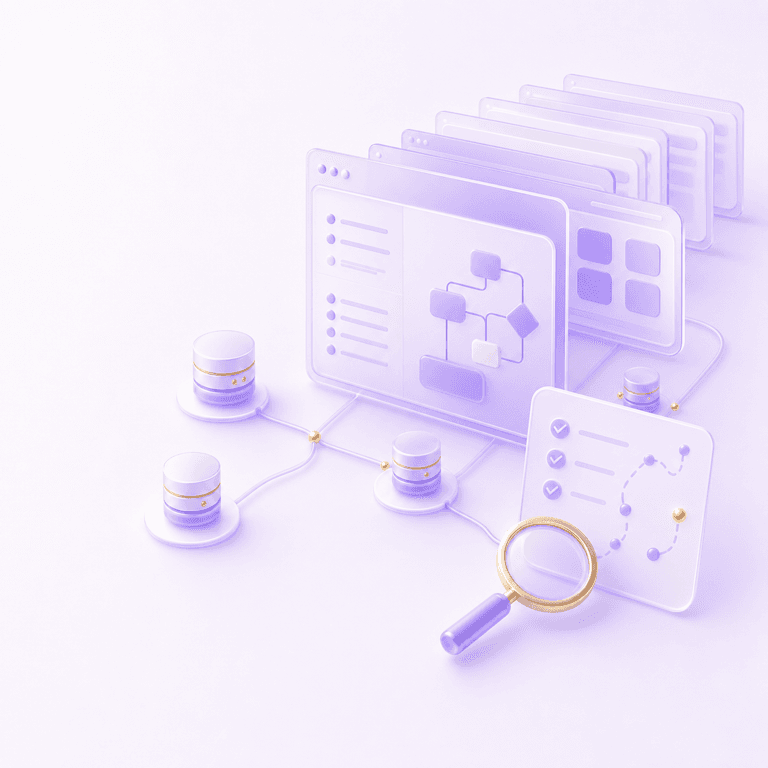
Admin tools make Bubble migrations harder because they contain the operational truth of the app.
The customer-facing product may look clean enough to rebuild from screenshots, user flows, and database exports. The admin side is usually less tidy. It has support buttons, override fields, correction flows, fulfilment queues, refund actions, exports, internal reports, and a few pages that only one person really understands.
That is exactly why they matter.
In a mature Bubble app, admin tools are often where the business handles exceptions: failed payments, duplicate records, manual approvals, suspicious users, custom pricing, broken imports, cancelled orders, urgent support requests, and the operational realities that never made it into the product spec.
If a migration team underestimates those tools, the new app can look finished while the business quietly loses the ability to operate.
Admin Pages Are Easy To Ignore
Admin tools get underestimated for a simple reason: customers usually do not see them.
During migration discovery, people naturally talk about onboarding, dashboards, search, checkout, bookings, messages, or whatever the visible product does. Those are the screens investors saw, users complained about, and product teams argued over.
The admin area has a different status. It is often ugly: poor naming, strange repeating groups, hidden debug fields, half-finished filters, and buttons with labels like "fix old status" or "mark as done manually". Nobody wants to show it off.
That does not make it optional.
If support uses a Bubble admin page to correct customer data every day, that page is part of the product. If ops uses a manual override to approve exceptions, that workflow is part of the business model. If finance uses an export from Bubble to reconcile revenue, that export is part of the reporting system.
A migration plan based only on the customer-facing UI will miss that. Page count is a weak proxy for migration scope, and admin pages are one of the reasons.
Admin Tools Usually Contain Hidden Product Logic
Admin workflows often start as internal shortcuts. Someone adds a button so support can resend an email. Someone adds a field so the founder can change a status. Someone adds a repeating group so fulfilment can see what needs chasing.
Then the business changes around those shortcuts. The "temporary" refund button becomes the official refund process. The "manual approval" field becomes part of fraud prevention. The "ops notes" input becomes the only place a support agent can see customer context.
In Bubble, that logic may be spread across page conditions, workflows, backend workflows, privacy rules, option sets, reusable elements, API Connector calls, and plugin actions. A migration team has to inspect the behaviour before deciding what the new admin UI should be.
This is the same general problem as turning Bubble workflows into code. A button in Bubble may represent a real business operation. The migration question goes beyond where the button goes in the new interface. The useful question is what that operation does, who is allowed to do it, what data it changes, what side effects it triggers, and how the new system proves it behaved correctly.
The Ugly Bits Are Often The Expensive Bits
Admin tools are rarely elegant because they are built under pressure.
A customer is blocked. An invoice is wrong. A provider webhook failed. A user signed up with the wrong organisation. A data import created duplicates. The fastest fix is often to give the internal team a way to patch the situation from inside Bubble.
There is nothing inherently wrong with that. Internal tools should be pragmatic. The problem comes when the migration treats those tools as low-value screens because they look rough.
Rough admin tools can carry high operational risk. A poorly labelled button may issue credits, change access, trigger an email, create fulfilment work, or update fields that reports depend on. A slow admin report may still be the source of truth for weekly decision-making.
The rebuild has to separate visual polish from business importance. Some admin screens deserve to be redesigned properly. Some only need parity for a short transition period. Some should be replaced by automation. Some should disappear because they were workarounds for old Bubble structure.
You only know which is which after inventorying the workflows.
Admin Workflow Inventory
Before estimating or rebuilding admin tools, make a simple inventory. It needs to be specific enough that a developer, product owner, and operator can agree what the old app does.
| Admin area or workflow | What to capture | Migration risk |
|---|---|---|
| Support corrections | Which fields support can edit, why they edit them, and what validation exists | Bad edits can corrupt records or create support loops |
| Manual status overrides | The allowed status changes, who can perform them, and whether customers are notified | The new app may allow impossible states or block necessary exceptions |
| Refunds, credits, and billing fixes | Which provider owns the billing truth, what Bubble stores, and what side effects run | Finance and customer access can drift out of sync |
| Fulfilment queues | How work is assigned, completed, escalated, or retried | Orders, bookings, cases, or tasks can fall through gaps |
| Admin reports and exports | Which filters, calculations, and CSV fields people rely on | Leadership may lose the numbers they use to run the business |
| User impersonation or access tools | Who can impersonate, what is logged, and what actions are blocked | Security and audit risk usually increases if this is vague |
| Approval and review queues | The decision states, reviewer roles, deadlines, and customer-facing outcomes | Items can get stuck or approved without the right checks |
| Data import and cleanup tools | File formats, duplicate handling, rollback process, and manual review steps | Imported data can break relationships in the new model |
| Dangerous delete or merge actions | What gets deleted, archived, merged, or reassigned | Data loss is easy to hide until a customer asks for history |
| External system sync tools | API calls, provider IDs, webhook recovery, and manual resync buttons | Bubble may be holding cached state that the new app misunderstands |
The inventory should answer three plain questions for each row: who uses it, what business result it produces, and what would break if it disappeared for a week. Some admin tools are essential. Some are old scaffolding. Some are essential only because the current data model is awkward.
Admin Data Changes Need Proof
Admin tools and data migration are tightly linked. Customer-facing flows create the normal records. Admin workflows often change the weird ones: legacy users, duplicate accounts, cancelled subscriptions, custom plans, manually fulfilled orders, imported records, hidden flags, and support-only notes.
Those records are where a neat import script tends to get embarrassed. A user may have the right account record but the wrong access because an old admin override was never mapped. A report may reconcile on total customers but miss manually archived records. A fulfilment queue may have the right items but lose the internal notes needed to complete them.
That is why a serious Bubble data migration should include admin-created and admin-edited records in validation. Check the records people have touched manually, because those are usually the records with business context.
Useful validation might include comparing admin reports before and after migration, sampling manually edited records, reviewing billing exceptions, and asking support to run real cases through the new tool before launch.
Do Not Rebuild Every Admin Workaround Blindly
Copying every admin page exactly is usually the wrong move.
Some admin tools exist because Bubble made a certain workaround quick. Some exist because an early product decision created awkward states. Some exist because a plugin failed in a specific way. Some exist because the team never had time to automate a process properly.
For example, a Bubble admin page might let support manually set a user's subscription state because Stripe webhooks were unreliable in the old app. In code, the better answer may be stronger webhook handling, idempotent sync jobs, clear billing state, and a limited admin repair action with logging. The old admin screen is useful evidence, not the final architecture.
The same applies to fulfilment, approvals, reports, and data correction. Preserve the operational capability. Improve the model where the old tool was compensating for weak structure.
This is where admin tools connect to the wider Bubble to code migration decision. The goal is not to escape Bubble by recreating every rough edge in a different stack. The goal is to understand what the app does, preserve the behaviour the business depends on, and improve the parts that are making change harder than it needs to be.
Admin Permissions Deserve Their Own Pass
Admin tools are also where permission mistakes get expensive.
Bubble apps often rely on a mixture of privacy rules, page access checks, current user roles, conditionals, and workflow "only when" rules. Admin pages may also have soft trust assumptions: only staff know the URL, only the founder uses that button, only support can see that reusable element.
Those assumptions need to become explicit in code.
The new system should know which roles can view, edit, approve, refund, impersonate, export, delete, merge, or override. It should log sensitive actions and reject dangerous API calls on the server. It should also account for partial admin roles, because mature apps rarely have one clean "admin" user type forever.
This is boring architecture until it prevents a serious mistake. Then it suddenly looks very sensible.
The Practical Test
A Bubble migration plan is not ready until it explains how admin tools will be handled.
That does not mean every internal page needs a pixel-perfect rebuild. It means the plan should name the admin workflows that run the business, decide which ones need parity, decide which ones should be redesigned, and prove that support, ops, finance, fulfilment, and leadership can still do their jobs after the move.
Admin tools can also be a useful early migration slice when the process is bounded and internal users can validate it against real records. Reporting, support triage, fulfilment queues, review workflows, or internal case management can sometimes move before the full customer app. The caveat is obvious: these tools touch sensitive data and powerful actions, so the slice still needs permissions, audit logging, rollback thinking, and data validation.
For serious ops-heavy Bubble apps, start with discovery that includes admin workflows, data, permissions, reports, integrations, and the awkward exceptions people handle manually. That is the shape of the work behind our migrate to code process: understand the business system first, then rebuild the parts that actually need to move.
Questions This Guide Answers
Why do admin tools matter in Bubble migration?
Admin tools often hold the support workflows, correction flows, reporting, overrides, and operational controls that keep the business running after customers hit edge cases.
Should admin tools move first?
Sometimes. They can be a sensible early slice when they are bounded and mostly internal, but they still need careful permission and data handling.
How do you audit Bubble admin workflows?
Review every admin page, support action, bulk operation, report, override, file action, notification, and workflow that staff use to fix or manage customer accounts.