Start shipping
How Bubble workflows translate into backend code
How Bubble workflows become backend code, including server actions, API routes, functions, queues, transactions, webhooks, and scheduled jobs.
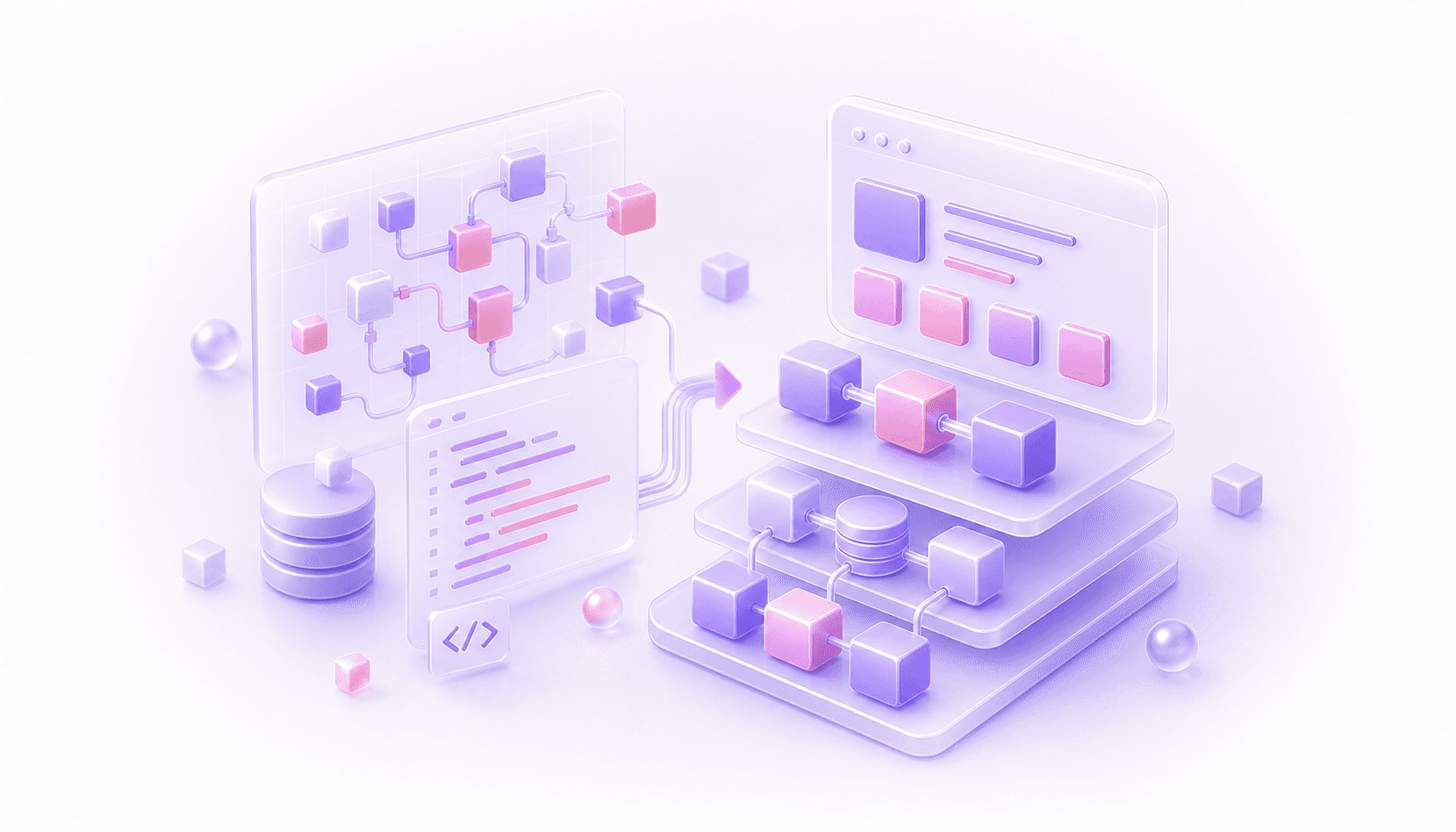
Bubble workflows translate into backend code by separating each workflow's behaviour into the right kind of code responsibility.
That is where a lot of Bubble migrations get messy. A workflow may be far more than "the thing that happens when a button is clicked". It may contain permission checks, data changes, API calls, plugin actions, scheduled backend workflows, custom events, and side effects that matter to the business.
In code, those things should not all become one giant function called handleSubmit. Some should become server actions. Some should become API routes. Some should become Convex functions, Supabase Edge Functions, service functions, transactions, queue jobs, webhook handlers, or scheduled jobs. The right target depends on behaviour, side effects, timing, retries, permissions, and data integrity.
If you are planning a wider Bubble to code migration, workflows are hard to map properly. The UI is visible. The database is exportable. Workflows are where product logic hides.
Start With Behaviour, Not Buttons
The "Save profile" button becomes a saveProfile function. The "Send invite" button becomes a sendInvite function. The "Cancel subscription" button becomes a cancelSubscription function.
That is a useful starting point, but it is not enough. A single Bubble workflow might check the current user, validate inputs with "only when" conditions, create or modify several things, call an API, trigger a custom event, schedule a backend workflow, update custom states, and move the user to the next step.
In Bubble, that can all live in one workflow because the editor makes it easy to stack actions. In code, you normally want to split those responsibilities. The form handler can stay close to the route. The product operation should live in a service or backend function. The database writes should be transactional where integrity matters. External calls should be isolated enough that they can be retried, tested, and logged.
The useful migration question is: what product behaviour is this workflow responsible for, and where should each part of that behaviour live?
Bubble workflow to code translation map
| Bubble workflow pattern | Common code target | Why it fits | Watch for |
|---|---|---|---|
| Button or form workflow that creates or edits one thing | Next.js server action, route action, Convex mutation, Supabase function, or service function | It is user-initiated, usually synchronous, and close to the page experience | Hidden Bubble conditions, validation, duplicate prevention, and optimistic UI |
| Workflow that changes several related things | Database transaction, domain service, Convex mutation, or backend service method | The operation needs to succeed or fail as one business action | Partial writes, list fields, counters, and audit logs |
| Backend workflow triggered from the front end | API route, internal backend function, queue job, or service command | The action belongs on the server and may not need to block the UI | Auth context, parameters, retries, and whether the user should see success immediately |
| Scheduled or recurring API workflow | Scheduled job, queue with delay, cron job, Convex scheduled function, Supabase cron, or worker | The work depends on time, not an active page session | Time zones, duplicate schedules, batch size, rate limits, and safe continuation after failure |
| API Connector call or plugin action | Typed API client, integration service, webhook handler, Edge Function, or queue job | External services should be wrapped in code you can test and monitor | Secrets, provider errors, response mapping, rate limits, and hidden plugin side effects |
| Workflow with "only when" conditions | Guard clauses, policy checks, validation layer, or state machine transition | Conditions express business rules rather than UI decoration | Conditions duplicated across pages, page-state assumptions, and admin bypasses |
| Custom event reused across workflows | Shared service function, helper, command handler, or workflow-specific module | Repeated logic deserves one named place in code | Current user assumptions, parent group data, and custom state dependencies |
| Webhook received by Bubble | API route, webhook handler, Edge Function, or backend action | External systems need a stable endpoint with verification and logging | Signature checks, replay protection, idempotency, ordering, and delayed provider events |
| Admin workflow or manual fix button | Internal tool action, privileged service function, audit-logged mutation, or support command | Admin actions often run the business even when they look scruffy | Permissions, audit trails, dangerous deletes, impersonation, and support habits |
This is not a rulebook. It stops every workflow being treated as the same kind of backend code.
Server Actions Are Useful, But Not Magic
For a Bubble to Next.js migration, server actions can be a good fit for simple form submissions and page-local mutations.
But server actions should not become the new Bubble workflow editor.
If a server action handles permissions, billing, email delivery, file processing, third-party sync, audit logging, and state transitions in one long function, you have recreated the old problem in TypeScript. It may feel more developer-friendly, but the product logic is still tangled.
A better pattern is to keep the route or server action thin. It should gather input, identify the current user, call a proper backend operation, and return a response. The backend operation should own the product rule.
Transactions Matter More Than Workflow Order
Bubble workflows run as a sequence of actions, and Bubble developers often reason about them step by step: create this thing, make changes to that thing, then schedule another workflow.
In code, the key question is which changes need to be atomic.
If a workflow creates an order, charges a card, updates inventory, sends a confirmation email, and creates a fulfilment task, not every step belongs in the same transaction. The database state needs strong guarantees. The email can be queued. The payment provider needs idempotency.
Copying the action order directly can create subtle bugs. You need to decide what must happen together, what can happen later, and what should be retried when a third-party service fails.
This is one reason workflow migration and Bubble data migration are linked. The new data model needs to support the business operations the workflows are trying to perform. If the old Bubble app uses list fields, status flags, or loose references to make workflows convenient, the code version may need a cleaner relational model or explicit lifecycle states.
Backend Workflows Usually Become Jobs Or Functions
Bubble backend workflows deserve special attention because they often contain the behaviour people forget during migration. Some are simple server-side operations that receive parameters, change a thing, and return. Those can become backend functions, service methods, Convex mutations, Supabase functions, or API routes.
Delayed or scheduled backend workflows usually become queued jobs, scheduled functions, cron jobs, or workers. The important detail is when the work runs, what data it receives, what happens if it fails, and whether running it twice would cause damage.
Idempotency is the boring word that saves you here. If a scheduled workflow sends a renewal reminder, charges a customer, expires an invitation, or changes a user's access, the code version needs to tolerate retries and duplicate events.
Permissions Cannot Stay In The UI
Bubble apps often enforce permissions in several places at once: privacy rules, page redirects, conditional buttons, "only when" actions, backend workflow checks, and role fields on users or organisations.
During migration, it is tempting to copy the visible conditions and call it done.
The code version needs a permission model that is enforced on the server. UI conditions are still useful because they make the product feel right, but they are not the security boundary. If a user cannot edit a record, the backend function must reject the edit even if someone calls the endpoint directly.
This is where Bubble context matters. A privacy rule may be doing more than filtering a repeating group. It might be the only thing stopping a manager from seeing another organisation's records. A condition on an admin workflow might be the only thing preventing a support user from issuing refunds.
Integrations Need Their Own Shape
API Connector calls and plugin actions are easy to underestimate.
In Bubble, an API call might sit in the middle of a workflow with a few fields mapped from the current page. A plugin action might look like one step. In code, that same behaviour should usually become a named integration module with typed inputs, error handling, logging, and tests around the mapping.
This matters because integrations rarely fail politely. Providers send delayed webhooks, rate-limit requests, accept work that fails later, and return awkward edge cases.
The target might be a service function, API route, Supabase Edge Function, Convex action, webhook handler, or background job. Choose based on timing and side effects, not on where the Bubble action happened to sit in the workflow list.
AI Can Help Once The Map Exists
Tools like Claude Code can speed up the implementation once the workflow map is clear. They can draft functions, write tests, generate API clients, refactor repeated logic, and help move faster through the mechanical parts of the rebuild.
They are much weaker when asked to infer product logic from screenshots or a loose feature list. A workflow that looks like "When Button Save is clicked" might be part of onboarding, billing, permissions, reporting, or support. An AI tool will not reliably know which details are sacred and which are old Bubble workarounds.
That is why our advice on migrating a Bubble app with Claude Code starts with understanding the app before generating code. The code comes after the translation work, not before it.
A Practical Workflow Audit
Audit workflows by business risk.
Start with the flows that create, edit, delete, charge, invite, approve, publish, export, notify, or expose data. Then inspect backend workflows, scheduled workflows, reusable custom events, API Connector calls, plugin actions, and admin buttons. For each workflow, write down the trigger, inputs, current user assumptions, data changes, external calls, permissions, and failure behaviour.
Then decide the code target. Is it a server action? A backend function? A transaction? A queue job? A webhook handler? A scheduled job? A service method shared by several routes?
That map becomes the migration spec. It is also what lets you test the new system properly. You can compare old and new behaviour around the workflows that matter instead of hoping the new app feels similar enough.
If you are planning to move a serious Bubble app to code, start with a workflow and data audit before picking the implementation details. Our migration assessment is built around that kind of review: understand the app, map the risky behaviour, then choose the code architecture that can actually carry it.
Questions This Guide Answers
How do Bubble workflows translate into code?
They can become server actions, API routes, backend functions, transactions, queue jobs, webhooks, scheduled jobs, or service functions depending on timing, side effects, and data risk.
Why are Bubble workflows hard to migrate?
They often contain product logic, permissions, plugin behaviour, API calls, scheduled actions, and edge cases that are hard to see from the UI alone.
Should every Bubble workflow be copied exactly?
No. Some behaviours need exact parity, while old workaround logic should be redesigned around the new backend model.