Start shipping
How long does it take to migrate a Bubble app to code?
How to estimate a Bubble migration timeline based on product logic, data, permissions, integrations, QA, and rollout risk rather than page count.
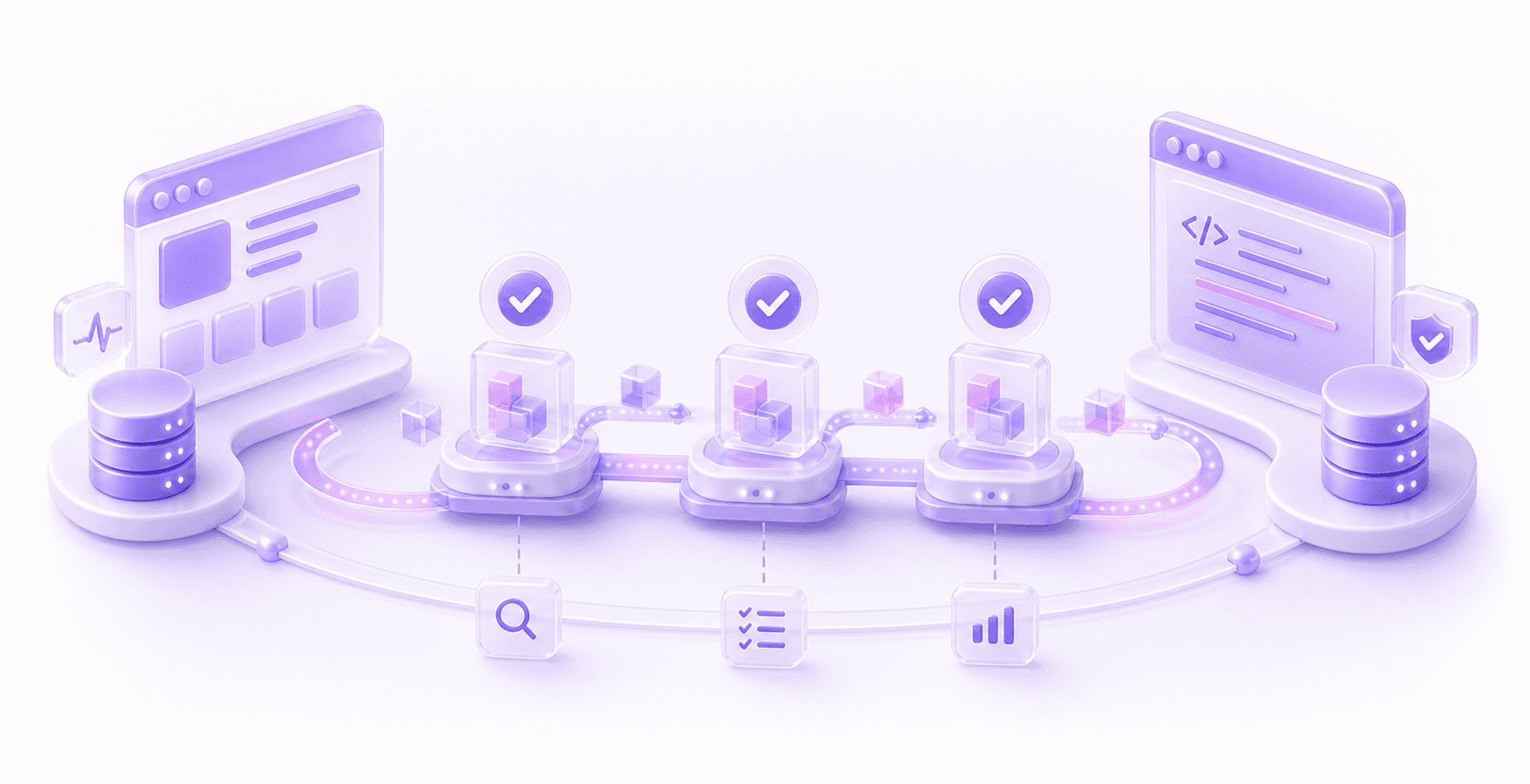
A Bubble app migration can take four to eight weeks for a small, clean app, eight to sixteen weeks for a more substantial product, and several months for a live revenue-critical system with complex workflows, data, permissions, integrations, and rollout risk.
Page count is a weak way to estimate the timeline because Bubble apps hide important behaviour in workflows, reusable elements, privacy rules, backend workflows, plugins, API calls, option sets, conditional logic, and old admin workarounds.
The useful question is not "how many pages need rebuilding?" It is: how much behaviour has to be discovered, rebuilt, tested, migrated, and released without breaking the business?
The Short Answer
If the app is small, has simple data, no paying users, limited integrations, and the team can clearly explain every important workflow, a Bubble-to-code migration can sometimes be planned as a relatively short rebuild.
If the app is already operating as a serious SaaS product, marketplace, internal operations platform, or client-facing portal, the migration usually needs a staged plan. That does not mean the first useful release has to take a year. It does mean a confident fixed launch date from a surface demo should make you nervous.
Typical planning ranges:
- small prototype or simple internal tool: four to eight weeks
- early product with real users and manageable complexity: eight to sixteen weeks
- live revenue-critical app with complex logic, data, and integrations: three to six months or more
- large operational platform with staged rollout, parallel running, and heavy data validation: six months or more
Those ranges are only useful after discovery. A tidy ten-page app may be harder to migrate than a messy-looking forty-page app if the ten pages carry billing, permissions, reporting, customer-specific logic, and integrations with external systems.
Why Page Count Is A Bad Timeline Estimate
Bubble makes it easy to build visible product quickly, but the visible UI is only part of the system. A page can look simple while doing a lot of work behind the scenes.
A dashboard page might load different data depending on role, organisation, plan, region, subscription state, and admin overrides. A single "submit" button might create records, schedule backend workflows, send emails, call Stripe, update a CRM, generate a PDF, and trigger a Zapier or Make scenario. A reusable element might contain state that changes how the whole page behaves.
If an estimate is based mostly on screens, it will miss the parts that usually decide the timeline. The difficult work is preserving the business behaviour that customers, staff, reports, and integrations already rely on.
This is why two Bubble apps with the same number of pages can have completely different migration timelines. One might be a clean content portal. The other might be a small-looking operations system where every workflow has three years of edge cases baked into it.
Timeline Drivers
Use this table before trusting a migration timeline. It is a good first pass for spotting where time will go.
| Driver | Why it matters | What to inspect |
|---|---|---|
| Critical workflows | Workflows are where product behaviour usually lives. Missing one side effect can break billing, onboarding, fulfilment, support, or reporting. | Button workflows, custom events, backend workflows, scheduled workflows, conditions, email actions, database changes, and plugin actions. |
| Data model | Migration is slower when records are linked in unclear ways or when old fields still affect live behaviour. | Data types, linked Things, option sets, files, deleted or archived records, legacy fields, imported records, and reporting dependencies. |
| Permissions | A code app needs a clear access model. Bubble privacy rules can be inconsistent across older apps. | Privacy rules, role fields, organisation membership, admin overrides, page-level checks, API exposure, and any client-side filtering that should be server-side. |
| Integrations | External systems introduce state, retries, webhooks, credentials, and failure modes that need to be reproduced or redesigned. | Stripe, Xero, HubSpot, Airtable, Twilio, SendGrid, OAuth, API Connector calls, webhooks, Make, Zapier, and custom APIs. |
| Admin operations | Internal tools often contain the real operating system of the business, even if customers never see them. | Admin pages, manual fixes, support workflows, CSV imports, bulk actions, refund flows, account merges, and data repair steps. |
| QA depth | The more revenue or trust attached to a flow, the more proof you need before release. | Test accounts, regression paths, old bug fixes, acceptance criteria, report comparisons, permission checks, and production-like test data. |
| Rollout model | A cliff-edge launch can be quicker on paper, but riskier for a live app. Staged migration adds planning but usually reduces business risk. | Feature flags, customer cohorts, parallel running, data sync, rollback options, support plan, and launch windows. |
The Discovery Phase Is Part Of The Timeline
For a serious Bubble app, discovery is not a sales formality. It is the work that turns "we need to migrate" into an actual migration plan.
The team needs to inspect the Bubble app, map the critical workflows, understand the data model, identify the permission model, list integrations, and work out which parts need exact parity versus which parts should be redesigned.
The scary pages and workflows are often the ones carrying the most risk. They may be slow, badly named, plugin-heavy, or full of old product assumptions, but the business still depends on them. If they are ignored during discovery, they usually reappear later as timeline slips.
For budget planning, discovery also protects you from comparing false proposals. One vendor may quote a short timeline because they are assuming a like-for-like page rebuild. Another may include data validation, integration edge cases, permission design, QA, and staged rollout. Those are not the same job. The same logic applies to price, which is why our Bubble migration cost guide looks at the drivers behind the number.
Data Migration Can Easily Become The Long Pole
Data migration is not finished when records have been imported into a new database.
The migrated system needs to preserve meaning: linked records, user roles, files, historical activity, billing state, subscriptions, reports, permissions, and the awkward old records created by workflows that no longer exist. If the app has been running for years, there will usually be edge cases the current team has forgotten about until a customer hits them.
This is why data migration often needs multiple dry runs. You export, transform, import, compare counts, check relationships, test permissions, and reconcile reports. Then you fix the script and do it again. That loop is not waste. It is how you avoid discovering after launch that finance reports are wrong or customers can see records they should not see.
If data is a major concern, it is worth reading the separate guide to Bubble data migration. The short version is that the data plan should be testable before anyone bets the launch on it.
Staged Migration Usually Beats A Big Reveal
For a live app, the safest migration timeline is often staged.
That might mean rebuilding one module first, moving a specific customer cohort, replacing a reporting layer, extracting admin tools, or moving a backend process while the Bubble front end keeps running. The right sequence depends on the app. The principle is that the migration order should follow business risk, not page order.
A big-bang launch can be tempting because it makes the proposal look simpler. Everyone keeps building in Bubble, the new team rebuilds the whole thing somewhere else, and then one day the business switches over. Sometimes that is fine for a small app. For a serious product, it often creates a long period where the old app keeps changing while the new codebase is trying to catch up.
Staging gives you more chances to validate behaviour with real users and real data. It also lets the business keep shipping during the migration. The tradeoff is that staged migration needs more technical planning: temporary integrations, feature flags, data sync, support process, and clear ownership of what happens if something goes wrong.
What Can Shorten The Timeline?
The biggest timeline reducer is clarity.
If the current team can explain the product model, critical workflows, user roles, data relationships, integrations, and business rules, the rebuild is easier to plan. If the Bubble app has consistent naming, clear reusable elements, clean backend workflows, and sensible privacy rules, that helps as well.
A narrower first release also helps. You do not always need to migrate every admin screen, old report, abandoned feature, and half-used experiment in the first launch. Some behaviour needs exact parity because customers or staff depend on it. Some behaviour can be dropped, delayed, or redesigned because it only exists as an old workaround.
The hard part is making that call deliberately. Cutting scope without understanding the app is risky. Cutting scope after discovery is just sensible product work.
What Usually Delays A Migration?
The most common delays are not glamorous technical problems. They are usually missing decisions.
Nobody knows which reports finance trusts. Nobody is sure whether a privacy rule is intentional or accidental. A plugin handles an important workflow, but nobody knows exactly what it does. Stripe has old plans and manual discounts. Admins have a spreadsheet-based workaround that never made it into the product brief. A customer cohort uses behaviour that was supposed to be temporary two years ago.
None of that means the migration is doomed. It means the timeline needs room for investigation, decision-making, and proof. A plan that assumes all old behaviour is obvious will usually slip once the team starts rebuilding the app properly.
How To Get A Timeline You Can Trust
Before accepting a migration timeline, ask what the estimate is based on.
A useful migration assessment should tell you which workflows were reviewed, which data needs moving, which permissions need redesigning, which integrations create risk, what QA will cover, and how rollout will work. It should also say what is unknown. Unknowns are not a failure. Pretending they do not exist is the problem.
If you are still deciding whether code is the right move, start with the broader Bubble to code migration guide. If the app is already serious enough that a failed migration would hurt the business, a migration-focused audit is usually the sensible first step.
The timeline should come from understanding the app as a working business system. Once you know the workflows, data, permissions, integrations, QA burden, and rollout model, the schedule becomes much less theatrical and much more useful.
Questions This Guide Answers
How long does a Bubble migration take?
It depends on the app's workflows, data, permissions, integrations, QA needs, and rollout shape. Page count is usually a weak way to estimate the timeline.
Why do Bubble migration timelines slip?
Timelines usually slip when hidden workflows, admin tools, data edge cases, permissions, files, or integrations were missed during scoping.
Can a live Bubble app migrate in stages?
Yes. For serious apps, staged migration is often safer than a single launch date because the old product can keep running while each slice is tested.